
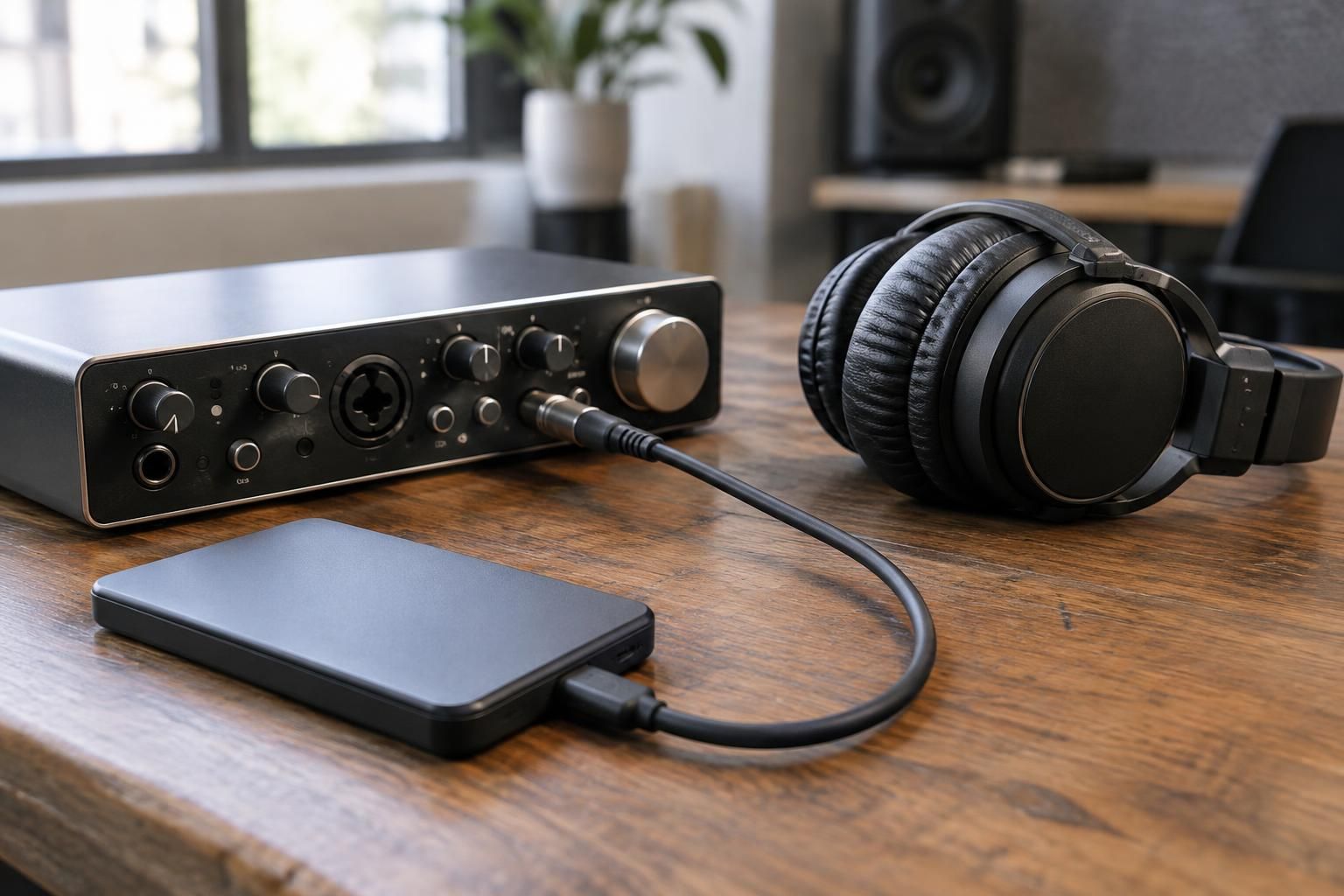
A reliable music session handoff gives the next person the right exports, clearly named versions, and enough notes to identify what is current. Confirm the recipient’s format and file needs before exporting, then check the delivered copies for playback, completeness, and consistency. There is no single technical specification that suits every project, so agree on requirements instead of guessing.
Treat the handoff as a reproducible package
A session handoff is more than a folder of audio. It is a package another person can identify, check, and use without guessing which export is current. The goal is not to include every file created during production; it is to deliver the agreed files with enough context to prevent avoidable rework.
Start by confirming the recipient’s purpose: continued mixing, mastering, editing, archiving, or review. Each use may call for a different set of files. Ask what they need, how they want files delivered, and whether they have format or naming requirements. Confirm those details with the recipient rather than relying on a universal technical specification.
Agree on scope before exporting
Write a short delivery list before opening the export dialog. It might include an approved stereo mix, a requested instrumental, or separate tracks for a later mix—but only include items that the recipient has asked for or that are part of the agreed work. A stereo mix is a combined audio file; stems are grouped audio submixes, and multitracks are individual track exports. These terms are sometimes used loosely, so clarify what the recipient means.
Check technical requirements with the person receiving the package: file format, sample rate, bit depth, channel layout, start point, and whether processing should be printed or bypassed. A sample rate describes the number of audio samples captured per second; bit depth relates to the resolution of each sample. The right choice depends on the destination and workflow.
Decide whether the recipient needs the native project as well as exports. If handing over a project, identify the software version, required plug-ins or external media, and any elements that cannot travel with the file. Do not assume a project will open identically on another system.
Name versions so their status is obvious
Build filenames from stable details rather than a sequence of increasingly vague labels. A useful pattern can include a working title, version type, revision identifier, and date, for example: “SongTitle_Instrumental_R03_2025-04-18.wav.” This is a hypothetical naming example, not a required format. Choose one pattern and use it consistently across files.
Reserve “approved” or “final” for a version that has actually been confirmed. If revisions are in progress, use a clear sequence such as R01, R02, and R03, and keep older versions separate so they cannot be mistaken for the current export. If the title or version name changes, update the folder and notes together.
Export from a known session state
Before exporting, save a copy or checkpoint of the session and confirm the arrangement, tempo, edits, processing, and automation reflect the intended version. A short written change note can record what changed since the previous revision—such as a revised ending or level adjustment—without turning the handoff into a long production diary.
Use the agreed start point and export range for every related file. When an instrumental or alternate is requested, confirm that it matches the approved mix in structure and timing. Do not create extra versions simply because the session makes them easy to print; additional files can make the recipient’s choice less clear.
For track exports, confirm track names, routing, effects, and timing with the recipient. Some workflows expect effects printed; others need dry tracks for later processing. “Dry” means without some or all effects, but the exact meaning should be agreed rather than inferred.
Verify files and include a concise readme
After export, listen to the files from beginning to end or spot-check them in the intended playback environment. Check for silence, clipped beginnings or endings, missing channels, unexpected processing, and mismatched versions. Then open the copied files from the delivery folder or drive—not only the originals in the session—to verify that the transfer completed.
Include a brief readme or handoff note. State the folder contents, which version is current, what changed, any requested file that is still pending, and relevant technical settings. If a project depends on plug-ins, samples, or media that are not included, say so plainly and identify what needs follow-up.
Keep the note factual. A session handoff does not establish authorship or ownership, and audio exports do not replace written collaboration or rights records. The musical composition—the underlying music and lyrics—and the sound recording—the captured performance—are distinct works. If credits, permissions, or ownership details matter to the next stage, maintain those records separately and verify them with the relevant contributors or advisers.
Make the next delivery easy to act on
A compact package might use one top-level folder, a clearly named exports folder, and a project folder only when requested. Avoid nested folders that repeat the same information or filenames that differ only by tiny, unexplained changes. Use the agreed transfer method, then tell the recipient what was sent and invite a specific check if something is missing.
The practical next step is to ask the recipient for a written list of required files and formats, then build the export list and naming pattern from that reply. For a simple review of one stereo mix, a labeled audio file and short note may be enough; a full multitrack or project archive is unnecessary unless the next task requires it.
Before you send the session
- Confirm the recipient’s requested file types, sample rate, bit depth, and delivery method; do not assume one standard fits every handoff.
- Export the agreed full mix and any requested alternates from the same approved session state.
- Use clear filenames that identify the song, version, and date or revision without relying on ambiguous labels such as “final.”
- Include a concise note listing what is attached, what changed, and any known exclusions or open questions.
- Check every file’s start, end, playback, and channel format, then reopen the copied files from the delivery location.
Questions about this approach
Should every handoff include stems and the full project?
Not automatically. Confirm whether the recipient needs a stereo mix, grouped stems, individual multitracks, or the native project. Those formats serve different tasks, and the request should define the scope.
What is the best way to name revised exports?
Use one consistent pattern that identifies the title, version type, and revision or date. Keep the current approved version unmistakable, and clarify any naming conventions requested by the recipient.
Does sending a session prove who owns the music?
No. Audio files document a delivered version, not who wrote or owns the composition or recording. Keep collaboration, credit, and rights records separately, and verify details with the relevant parties.
For help applying this approach, explore our music and media production services.
Discuss your music project with One World Media
Tell the team about your project, its current stage and the support you need. Contact One World Media, or call (307) 200-8139.